How to Wear My Apple Watch Safely While Swimming
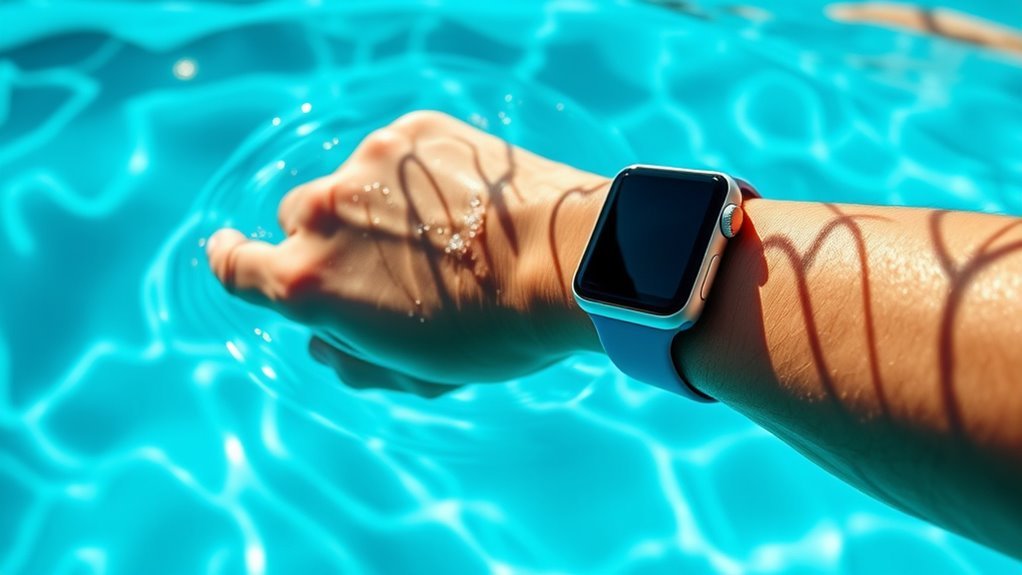
To wear your Apple Watch safely while swimming, start by ensuring your model is water-resistant (Series 2 or newer). Using a water-friendly band like silicone is essential. Fasten it snugly to prevent movement during your swim.
Activate the Water Lock feature to avoid accidental taps on the screen. Make sure your watch is fully charged before you begin your swim to avoid interruptions. Also, keeping your watch clean helps maintain its water resistance.
After swimming, rinse your Apple Watch with fresh water to remove any chlorine or salt. Dry it thoroughly to protect the seals and maintain its durability. For a complete guide on keeping your watch secure in water, explore these easy care tips.
Check Your Apple Watch Water Resistance Rating
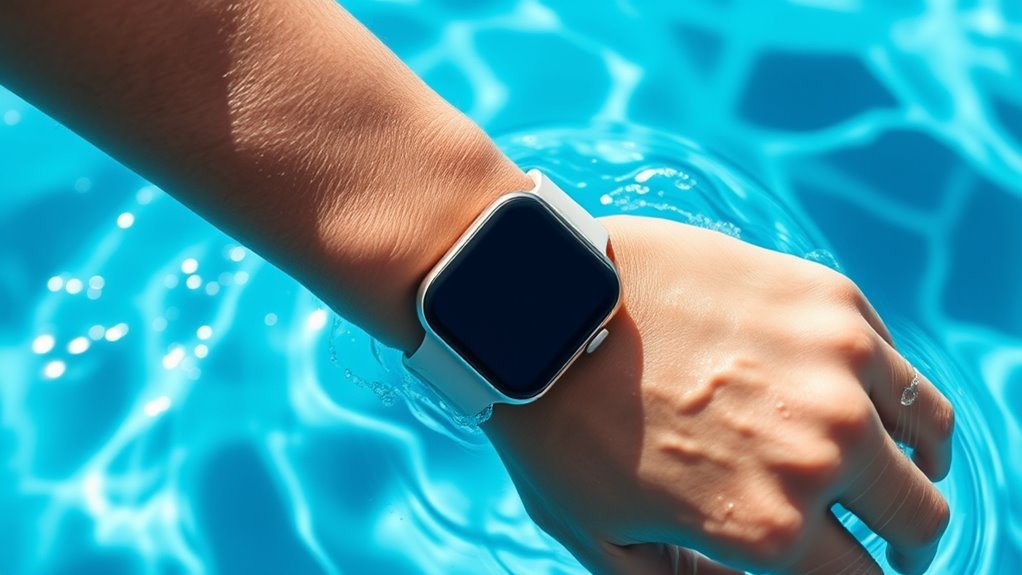
Before you take your Apple Watch into the pool, check its water resistance rating to make certain it can handle swimming. Apple Watches from Series 2 onward are designed with water resistance suitable for shallow-water activities like swimming.
Confirm your Apple Watch’s water resistance before swimming; Series 2 and newer models are swim-ready.
Series 2, 3, 4, 5, 6, and SE models have a water resistance rating of 50 meters under ISO standard 22810:2010. However, remember that water resistance can degrade over time due to wear and tear.
Avoid exposing your watch to high-velocity water or deep submersion beyond its rating.
If your Apple Watch is an earlier model or a non-water-resistant edition, keep it away from water entirely.
Knowing your watch’s water resistance protects it from damage and keeps it functioning properly during your swim.
Prepare Your Watch Before Swimming
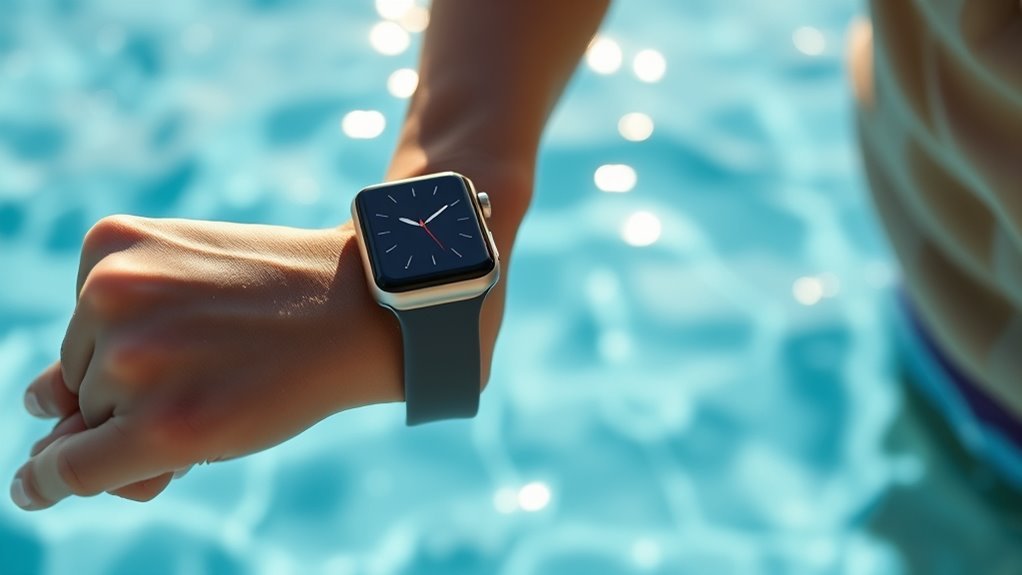
When you’re ready to swim, make sure to activate the Water Lock feature on your Apple Watch to prevent accidental taps caused by water. Before you plunge in, take a moment to prepare your watch properly to guarantee it stays protected and functions well during your swim.
First, securely fasten your band so the watch stays snug against your wrist without being too tight.
Next, clear any debris or dirt from the watch and band to avoid irritation or damage.
Finally, check that your watch is fully charged to track your swim workout without interruption.
Fasten your band snugly but comfortably
Clean your watch and band thoroughly
Ensure your Apple Watch is fully charged
Use the Water Lock Feature During Your Swim
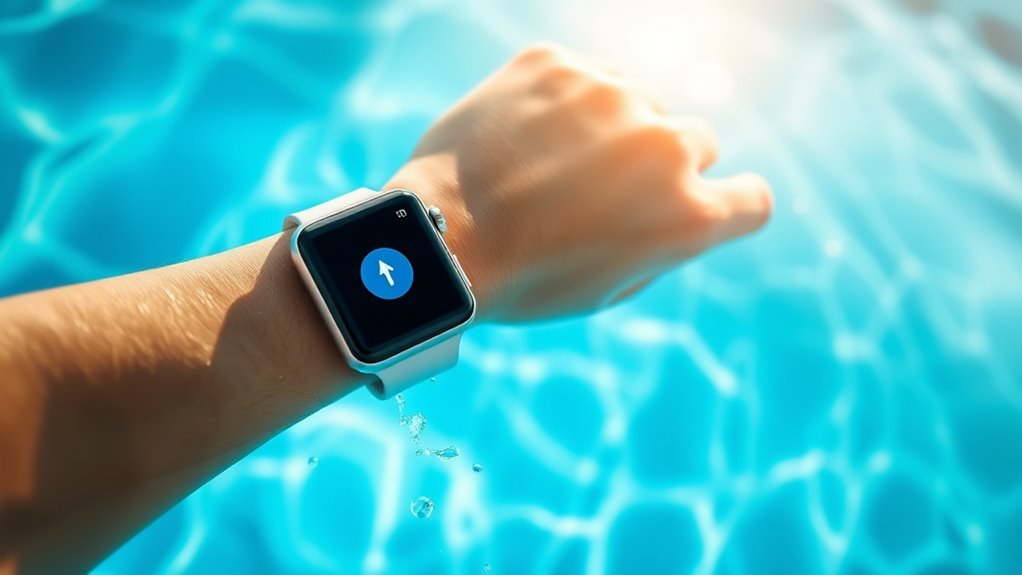
Once your Apple Watch is properly secured and ready, you’ll want to activate the Water Lock feature to keep water from triggering unwanted screen actions. This feature locks the screen, so splashes or strokes won’t cause accidental taps.
After your swim, turning the Digital Crown ejects water from the speaker, ensuring clear sound and preventing damage.
| Step | Action |
|---|---|
| 1 | Swipe up on the watch face |
| 2 | Tap the water droplet icon |
| 3 | Confirm Water Lock is enabled |
| 4 | Swim without screen interruptions |
| 5 | Turn Digital Crown post-swim |
Activating Water Lock is a simple but vital step for safe swimming with your Apple Watch.
Choose the Right Band for Swimming
Although your Apple Watch is designed to handle water exposure, choosing the right band guarantees comfort and durability during your swim. Not all bands are created equal when it comes to water resistance and drying time. Selecting a band made from water-friendly materials helps prevent irritation and damage.
Consider these options for swimming:
Fluoroelastomer Sport Bands: Lightweight, flexible, and resistant to chlorine and saltwater.
Nylon Sport Loops: Quick-drying and breathable, ideal if you prefer a softer feel.
Silicone Bands: Durable and easy to clean, but make sure it fits snugly to avoid slipping.
Avoid leather or metal bands, as they can degrade or corrode with repeated water exposure.
Pick a band that suits your swimming style and keeps your watch secure.
Clean and Dry Your Apple Watch After Swimming
Because your Apple Watch comes into contact with chlorine, saltwater, and sweat during swimming, you should clean and dry it thoroughly afterward to maintain its performance and appearance. Start by rinsing your watch with fresh water to wash away any residue.
Avoid using soap or harsh cleaners, as they can damage the seals and finish. After rinsing, gently dry your watch with a soft, lint-free cloth. Make sure to remove moisture from the speaker and microphone openings by lightly tapping your watch against your palm.
Finally, let your Apple Watch air dry completely before wearing or charging it. Taking these simple steps helps prevent corrosion, keeps sensors accurate, and ensures your watch stays looking and working great for every swim.
Frequently Asked Questions
Can I Wear My Apple Watch in Saltwater or Chlorinated Pools?
Yes, you can wear your Apple Watch in saltwater and chlorinated pools. Just rinse it with fresh water afterward to remove any residue, and avoid pressing buttons underwater to keep it safe and functioning properly.
How Does Swimming Affect My Apple Watch Battery Life?
Swimming drains your Apple Watch battery faster, tracking workouts, measuring heart rate, and powering water-lock mode.
You’ll notice shorter battery life after intense swims, so charge frequently, manage settings, and avoid unnecessary app use underwater.
Will My Apple Watch Track Swimming Workouts Accurately?
Yes, your Apple Watch will track swimming workouts accurately by measuring distance, laps, and calories. Just make sure you select the proper swimming workout type, keep the watch snug, and update your watchOS for best performance.
Can I Wear My Apple Watch While Diving or Snorkeling?
You can wear your Apple Watch while snorkeling, but diving deeper than 40 meters isn’t recommended.
Since it’s designed for shallow water, you’ll want to avoid high-pressure depths to keep it safe and functional.
What Should I Do if My Apple Watch Gets Water Damage?
If your Apple Watch gets water damage, turn it off immediately, dry it thoroughly, and avoid charging it.
Contact Apple Support or visit an Apple Store for professional assessment and repair options to prevent further damage.
Conclusion
If you want your Apple Watch to survive an ocean plunge or a pool party without turning into a soggy paperweight, following these tips is a must. Checking water resistance, prepping your watch, using Water Lock, picking the right band, and drying it off afterward will keep it safe and stylish.
Swim like a pro, knowing your watch can handle it—no underwater drama, just smooth, splash-proof adventures every time! By wearing your Apple Watch safely while swimming, you ensure durability and optimal performance in and out of the water.