
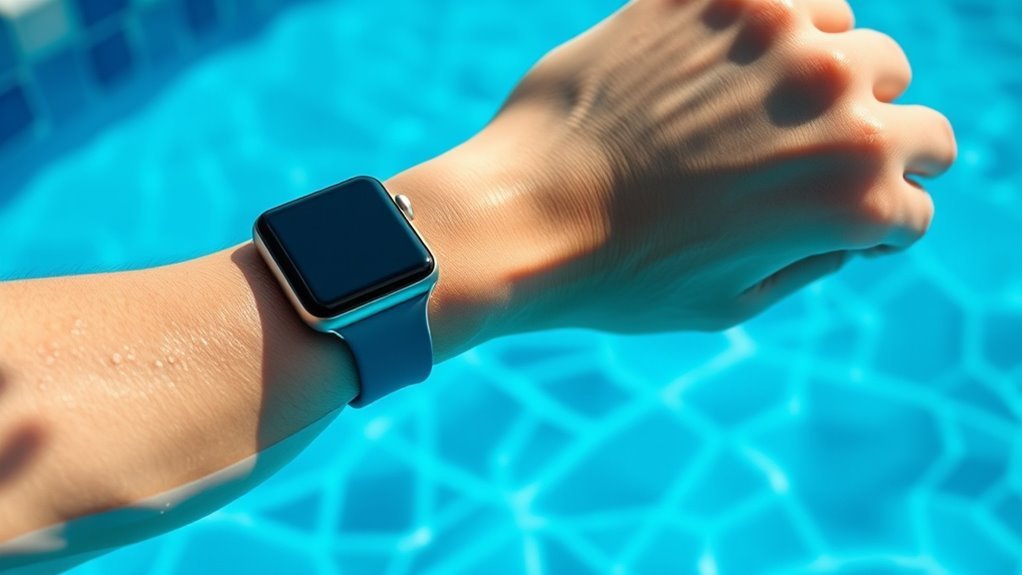
How to Wear Your Apple Watch Safely While Swimming
To wear your Apple Watch safely while swimming, start by choosing a water-resistant model like Series 2 or later. These versions are designed to handle exposure to water, making them ideal for swimmers. Additionally, opt for a silicone or fluoroelastomer band that handles moisture well and dries quickly.
Fit the watch snugly but comfortably on your wrist. This ensures the sensors remain accurate without causing irritation to your skin. After swimming, rinse your Apple Watch with fresh water and dry it thoroughly with a soft cloth to preserve its water-resistant seal.
By following these steps, you’ll protect both your watch and your performance in the water. Plus, you can learn how to optimize its swim features best to track your progress effectively.
Understanding Apple Watch Water Resistance Levels
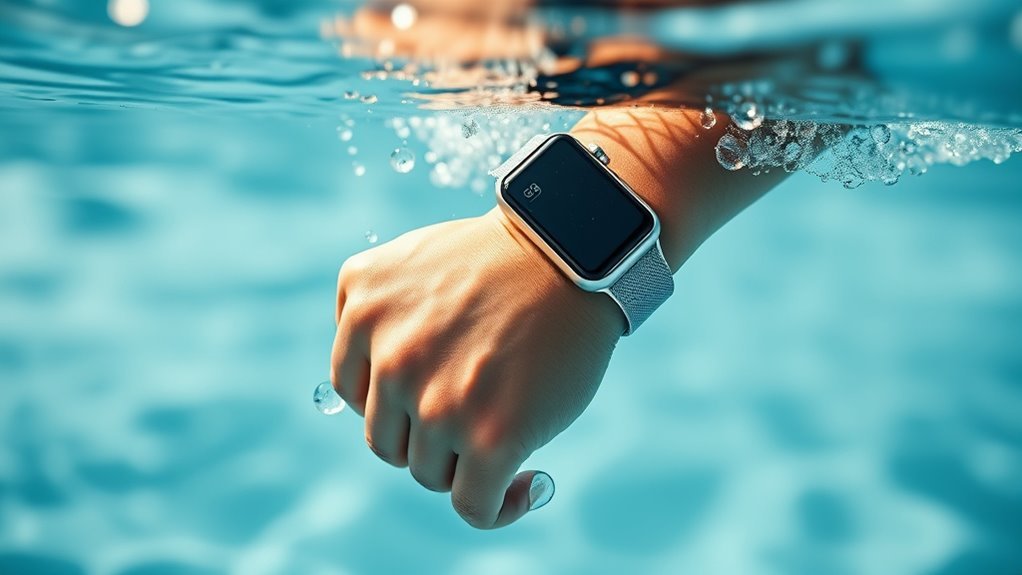
Before you take your Apple Watch into the pool, it’s important to understand its water resistance levels. Most Apple Watch models are water-resistant, but that doesn’t mean they’re all suited for swimming.
Understanding your Apple Watch’s water resistance is key before swimming or pool use.
For example, Series 2 and later are rated WR50, meaning they can handle being submerged up to 50 meters. This makes them safe for pool and shallow-water activities.
However, water resistance isn’t permanent. It can diminish over time due to wear and tear.
You should also avoid pressing the buttons underwater, as this can compromise the seals.
After swimming, rinse your watch with fresh water to remove chlorine or salt.
Knowing these details helps you protect your device while enjoying your swim safely and confidently.
Choosing the Right Apple Watch Model for Swimming
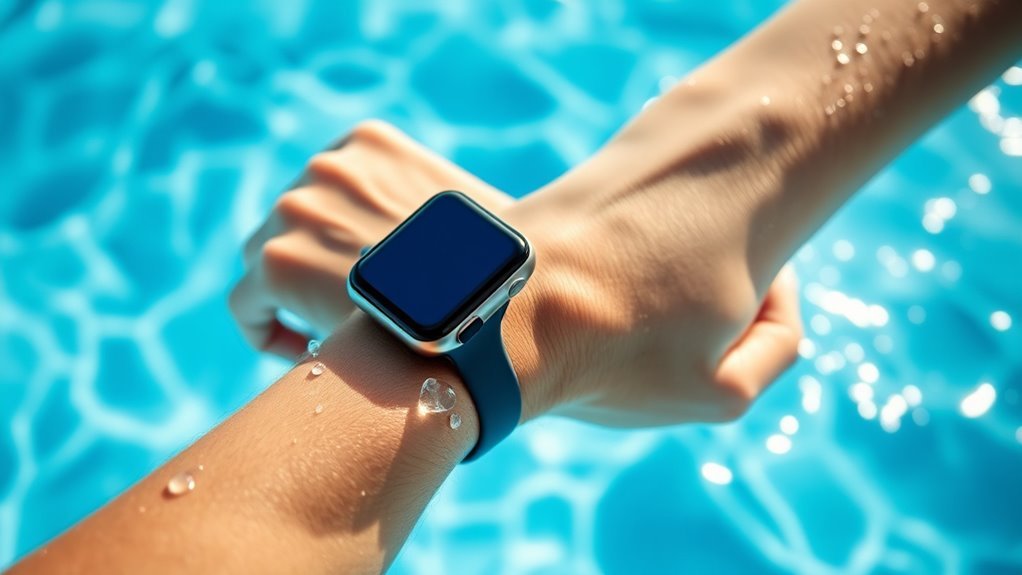
When selecting an Apple Watch for swimming, you’ll want a model designed to withstand water exposure without compromising functionality. Apple Watch Series 2 and later offer water resistance up to 50 meters, making them suitable for pool and open-water swims.
The Apple Watch Ultra goes further, built specifically for water sports with enhanced durability and water resistance up to 100 meters.
Avoid earlier models like Series 1 or the original Apple Watch since they aren’t designed for swimming and could be damaged.
Also, consider models with swim tracking features if you want to monitor your laps and performance effectively. Choosing a watch with the right water resistance and swim-specific functions ensures your device stays protected while supporting your aquatic workouts.
Selecting a Suitable Band for Water Activities
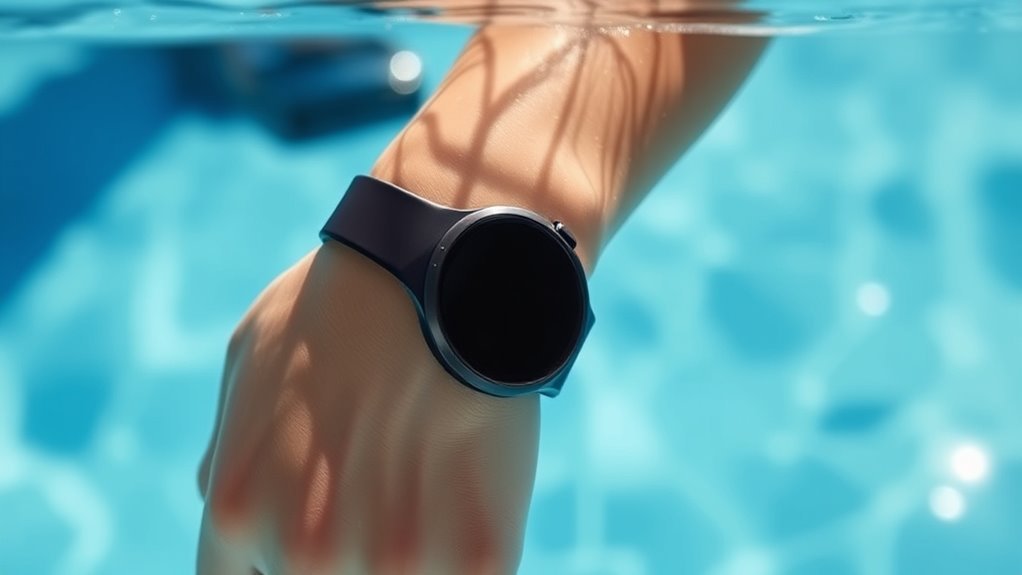
Since your Apple Watch will be exposed to water and sweat, choosing a band that handles moisture well is essential. Opt for materials like fluoroelastomer or silicone, as they resist water, dry quickly, and won’t irritate your skin.
Apple’s Sport Bands and Sport Loops are great choices because they combine durability with comfort. Avoid leather or fabric bands since they absorb water, which can lead to unpleasant odors and faster wear.
Also, consider a band with good breathability to prevent skin irritation during your swim. Make sure the band is easy to clean, as saltwater and chlorine can build up over time.
Proper Fit: How Tight Should Your Apple Watch Be?
Although it might seem minor, ensuring your Apple Watch fits properly is essential for both comfort and accurate tracking during your swim. You want the watch snug enough that it won’t slide around on your wrist but not so tight that it restricts blood flow or feels uncomfortable.
Aim for a fit where the watch stays in place during movement but lets your skin breathe. If it’s too loose, sensors mightn’t read your heart rate accurately, and excessive movement can cause discomfort.
On the other hand, a tight fit can cause irritation, especially when wet. Adjust your band so it feels secure yet comfortable, checking it before you plunge in.
This balance will help you enjoy swimming while getting reliable performance from your Apple Watch.
Activating Swimming Workout Mode on Your Apple Watch
Ensuring your Apple Watch fits properly sets the stage for accurate tracking during your swim. Before you hit the pool, activate the Swimming workout mode to get precise data on your laps, distance, and calories burned.
Open the Workout app on your watch, scroll through the list, and tap “Pool Swim” or “Open Water Swim,” depending on where you’ll be swimming. Once selected, tap the start button, and your watch will begin tracking your swim session in real-time.
This mode automatically locks the screen to prevent accidental taps from water, so you won’t have to worry about interruptions.
When you finish, swipe right and tap “End” to save your workout.
Activating this mode ensures your swim data is recorded accurately and efficiently.
Cleaning and Drying Your Apple Watch After Swimming
After you finish swimming, you’ll want to rinse your Apple Watch with fresh water to remove any chlorine, salt, or other residues that can damage its components over time. Simply hold your watch under running water or use a damp cloth to gently clean the case and band.
Rinse your Apple Watch with fresh water after swimming to remove chlorine, salt, and residues that could cause damage.
Avoid using soaps or cleansers, as they might irritate your skin or harm the watch’s seals.
Once rinsed, dry your Apple Watch thoroughly with a soft, lint-free cloth. Pay special attention to the speaker and microphone openings to ensure no moisture remains trapped.
Let your watch air dry completely before putting it back on or charging.
Taking these simple steps helps maintain its performance and longevity every time you swim.
Avoiding Common Mistakes That Can Damage Your Watch
When you wear your Apple Watch in the water, taking a few precautions can prevent costly damage. First, don’t press buttons or use the touchscreen underwater, as this can let water seep inside. Always activate Water Lock before swimming to keep the screen locked and water out.
Avoid exposing your watch to soaps, shampoos, or pool chemicals, which can degrade seals and materials. Rinse your watch with fresh water after swimming to remove any harmful residue.
Never charge your Apple Watch when it’s wet; wait until it’s completely dry.
Also, avoid wearing your watch too tightly, as trapped moisture can cause skin irritation and damage. By steering clear of these common mistakes, you’ll keep your Apple Watch working smoothly swim after swim.
Monitoring Your Swim Metrics for Better Performance
Although tracking your swim metrics might seem simple, it plays a crucial role in improving your performance. Your Apple Watch records essential data like lap count, distance, pace, and stroke type, giving you clear insights into your swim sessions.
By regularly reviewing these metrics, you can identify patterns, track progress, and set realistic goals. The watch’s heart rate monitoring also helps you manage intensity, ensuring you train efficiently without overexertion.
Make sure you start the swim workout on your watch before entering the water to capture accurate data.
After swimming, analyze your stats in the Fitness app to spot areas needing improvement.
Monitoring your swim metrics consistently lets you swim smarter and push your limits safely.
Frequently Asked Questions
Can I Wear My Apple Watch in Saltwater or Chlorinated Pools?
Yes, you can wear your Apple Watch in saltwater or chlorinated pools, but make sure to rinse it with fresh water afterward to remove any residue.
Also, avoid pressing the buttons underwater to protect its seals.
Does Swimming With My Apple Watch Affect Battery Life?
Yes, swimming with your Apple Watch can slightly affect battery life due to water resistance features working harder.
To preserve battery, rinse it with fresh water afterward and avoid prolonged exposure to salt or chlorinated water.
How Do I Update My Apple Watch Software for Swim Tracking?
Over 80% of Apple Watch users keep their devices updated for best performance. To update your watch for swim tracking, open the Watch app on your iPhone, tap General, then Software Update, and follow the prompts.
Make sure your Apple Watch is connected to its charger and has at least 50% battery before starting the update. Keep your iPhone nearby and connected to Wi-Fi during the process.
Once the update is complete, you can access swim tracking features in the Workout app on your Apple Watch.
Can I Use Third-Party Apps for Swimming Workouts on Apple Watch?
Yes, you can use third-party apps for swimming workouts on your Apple Watch. Just download compatible apps from the App Store, and they’ll track your swim data alongside or instead of Apple’s native Workout app.
These apps often provide additional features and metrics tailored specifically for swimming, enhancing your workout experience. Make sure to check app compatibility with your specific Apple Watch model for the best results.
Is It Safe to Wear My Apple Watch During Diving or Snorkeling?
Of course, your Apple Watch loves deep-sea adventures—just kidding! It’s not designed for diving or snorkeling beyond shallow water.
Conclusion
You might worry about damaging your Apple Watch while swimming, but with the right model, band, and fit, you can confidently enjoy the water without stress.
Activating the swim workout mode and properly cleaning your watch afterward keeps it safe and functional. These simple steps help protect your Apple Watch from water damage and ensure it continues to work smoothly.
By taking these precautions, you protect your investment and enhance your swim experience. So plunge in—your Apple Watch is ready to keep up with you every stroke of the way, making it safe and enjoyable to wear your Apple Watch while swimming.