How to Use Fitbit Charge 5 Waterproof Features for Swimming
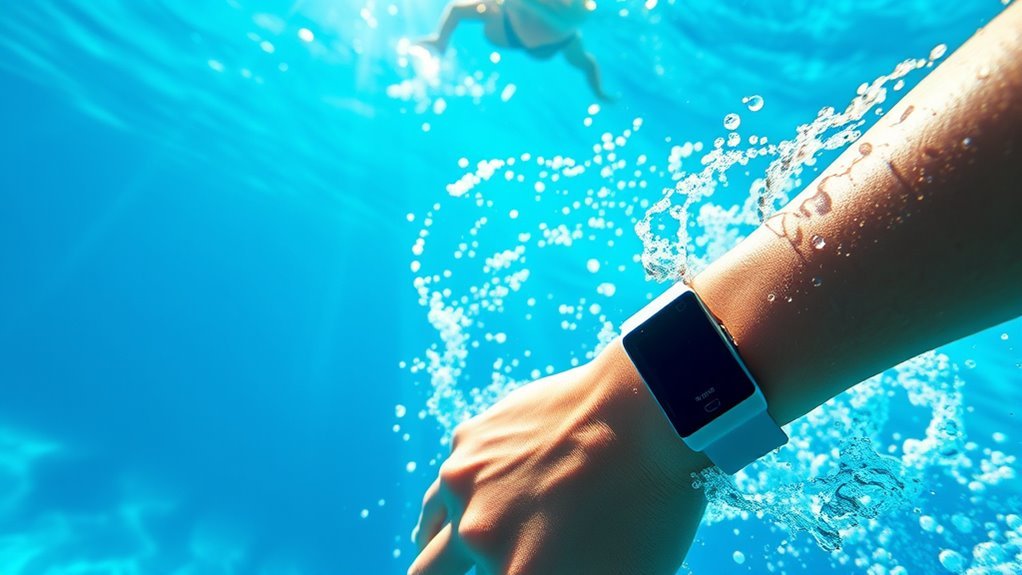
You can swim confidently with your Fitbit Charge 5 waterproof features, as it is water-resistant up to 50 meters—ideal for both pools and open water. This makes it a great companion for tracking your swimming workouts accurately.
Before jumping in, ensure the device is clean, dry, and snug on your wrist to maintain sensor accuracy. Activate swim tracking by selecting the “Swim” exercise mode, which automatically detects your strokes and pauses during your swim session.
After swimming, rinse your Fitbit Charge 5 with fresh water to remove chlorine or salt, then dry it thoroughly. Keep exploring for additional tips on maximizing your swim workouts and caring for your device.
Understanding the Water Resistance Rating of Fitbit Charge 5
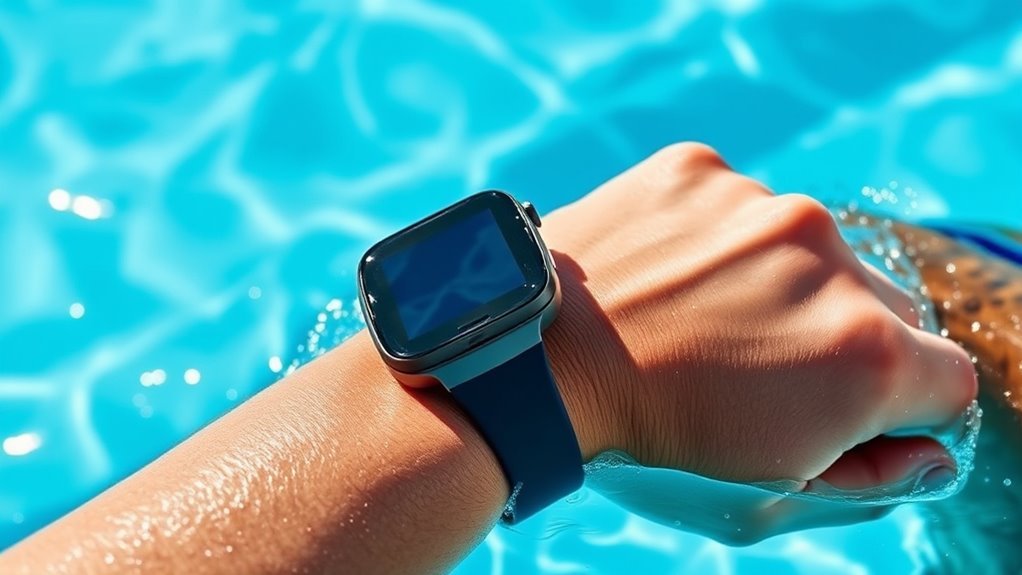
Before you take your Fitbit Charge 5 into the pool, you should understand its water resistance rating. The Charge 5 is rated to withstand water up to 50 meters (5 ATM), meaning it’s designed for swimming and showering without any issues.
However, this rating doesn’t mean it’s completely waterproof under all conditions. You can confidently wear it during pool swims or in the rain, but avoid exposing it to high-velocity water, like water skiing or diving.
Also, prolonged exposure to soaps, shampoos, or hot water can impair the seals over time. Knowing these limits helps you protect your device while enjoying water activities.
Preparing Your Fitbit Charge 5 for Swimming
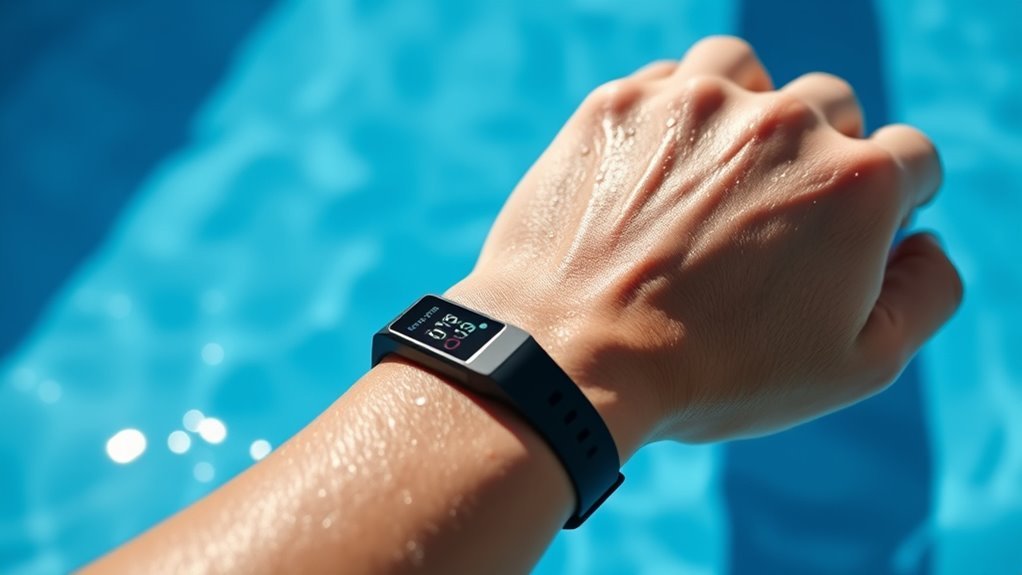
To get your Fitbit Charge 5 ready for swimming, start by guaranteeing the device is clean and dry. Remove any dirt, sweat, or lotion to keep sensors accurate and prevent skin irritation.
Check that the band is securely fastened and fits snugly but comfortably on your wrist to avoid slipping during your swim. Avoid pressing buttons underwater to maintain water resistance integrity.
Ensure your Fitbit band fits snugly and avoid pressing buttons underwater to keep it secure and water-resistant.
Before diving in, double-check that your Charge 5’s screen is locked if you don’t want accidental taps to interfere with your swim.
After swimming, rinse your Fitbit with fresh water to remove chlorine or salt, then dry it thoroughly.
Taking these simple steps helps protect your device and ensures it functions properly during and after your swim sessions.
Activating Swim Tracking Mode on the Fitbit Charge 5
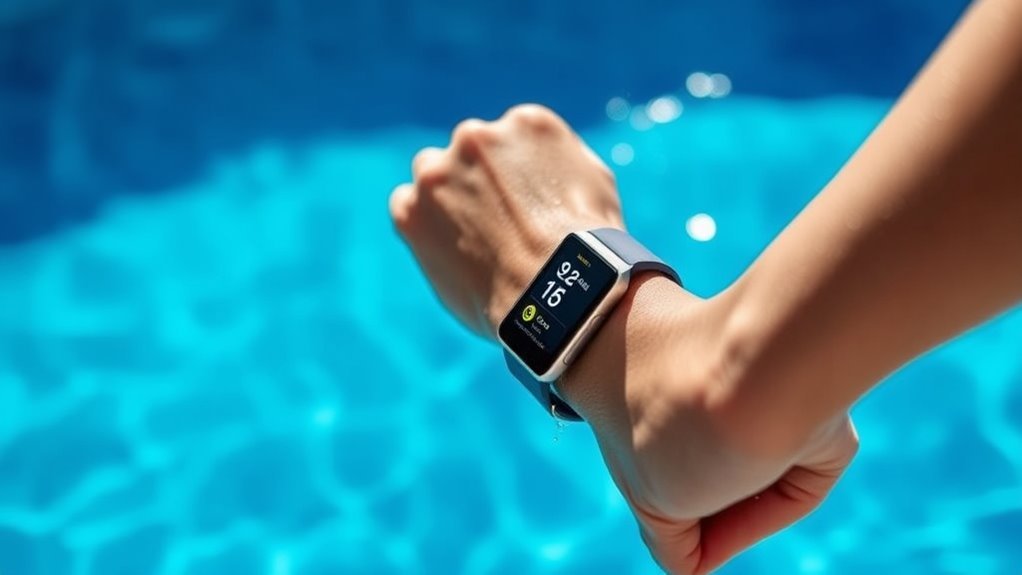
When you’re ready to track your swim, activating the swim tracking mode on your Fitbit Charge 5 is straightforward. First, wake your device by tapping the screen or pressing the side button.
Swipe through the exercise options until you find “Swim.” Tap it to select. The Charge 5 will then prepare to monitor your swim session, tracking metrics like duration, calories burned, and laps.
Once you’re set, immerse yourself, and the tracker will automatically detect your swim strokes and pauses.
After finishing, press the side button again to end the session.
Your Fitbit will save the data for review in the Fitbit app. Activating swim tracking this way ensures your workout is recorded accurately without extra effort.
Best Practices for Wearing the Fitbit Charge 5 in Water
Although the Fitbit Charge 5 is designed to handle water exposure, you should wear it snugly on your wrist to guarantee accurate tracking and prevent it from slipping during your swim. Make sure the band isn’t too loose or too tight. Aim for a fit that feels secure but comfortable.
Wear your Fitbit Charge 5 snugly for accurate swim tracking and to keep it secure on your wrist.
Avoid wearing the device over swimwear or wetsuits, as this can interfere with sensor readings. Before you proceed, check that the device’s sensors are clean and free of debris.
After swimming, rinse your Fitbit with fresh water to remove chlorine or salt, which could degrade the materials over time.
Following these tips helps keep your Charge 5 functioning properly and ensures your swim sessions are recorded accurately.
Monitoring Your Swim Metrics With Fitbit Charge 5
Keeping your Fitbit Charge 5 clean and properly fitted sets you up to get the most accurate swim data. Once you start your swim workout using the Swim exercise mode, your device automatically tracks key metrics like lap count, distance, duration, and calories burned.
You’ll also see your heart rate throughout the swim, helping you monitor intensity. Make sure to stay aware of your swim pace; Charge 5 calculates strokes per minute and stroke type to provide detailed insights.
After your session, the device summarizes your performance so you can assess improvements over time. By regularly checking these metrics on your wrist, you stay informed and motivated, ensuring every swim is productive and aligned with your fitness goals.
Syncing Swim Data to the Fitbit App
To get the most from your swim sessions, you’ll want to sync your Fitbit Charge 5 with the Fitbit app regularly. After finishing your swim, open the Fitbit app on your smartphone or tablet and make certain Bluetooth is enabled.
Your Charge 5 will automatically sync data once it’s nearby and connected. If it doesn’t sync automatically, simply pull down the app’s dashboard to refresh and initiate the connection.
Syncing uploads all your swim metrics, including distance, duration, and calories burned, so you can track progress over time.
Keeping your data updated helps you maintain an accurate log of your workouts and prepares you to analyze trends later.
Make syncing a habit after every swim for the best tracking experience.
Analyzing Swim Performance Using Fitbit Charge 5 Insights
Once your swim data syncs to the Fitbit app, you can start analyzing your performance with the Charge 5’s built-in insights. The app breaks down your swim sessions by laps, duration, and calories burned, giving you a clear picture of your workout.
Sync your swim data to the Fitbit app for detailed insights on laps, duration, and calories burned.
You can track your average pace and see how it improves over time. The Charge 5 also records your stroke count and efficiency, helping you identify areas to refine your technique.
By reviewing trends and comparing sessions, you’ll understand your endurance and speed progress. Set goals based on these insights to challenge yourself and stay motivated.
Regularly monitoring your swim data empowers you to swim smarter and push your limits with confidence.
Caring for Your Fitbit Charge 5 After Swimming
Although the Fitbit Charge 5 is designed to handle water exposure, you should always rinse it with fresh water after swimming to remove chlorine or salt residue.
After rinsing, gently pat it dry with a soft, lint-free cloth to avoid moisture buildup that could affect sensors or the strap.
Avoid using soaps, detergents, or abrasive materials, as they can damage the device.
Make sure the device is completely dry before charging or wearing it again.
Periodically check the band and device for signs of wear or damage, especially after extended exposure to pool chemicals or saltwater.
Taking these simple steps helps maintain your Fitbit’s performance and longevity, ensuring it stays accurate and comfortable for every swim session.
Troubleshooting Common Issues With Swim Tracking
If your Fitbit Charge 5 isn’t accurately tracking your swim sessions, you’re not alone. Many users encounter common issues like missed laps or incorrect stroke counts.
First, make sure your device’s firmware is up to date; outdated software often causes tracking glitches. Check that you’ve enabled the swim mode before starting your session, as this activates specialized tracking algorithms.
Keep your Fitbit Charge 5 updated and swim mode enabled for accurate tracking during your swim sessions.
Also, ensure that the watch fits snugly but comfortably. A loose fit can affect sensor accuracy.
If laps are missed, try calibrating your device by swimming in a pool with clearly marked lengths.
Finally, after swimming, rinse your Fitbit with fresh water to remove chlorine or salt that might interfere with sensors.
If problems persist, restarting the device can often clear temporary bugs.
Comparing Fitbit Charge 5 Swim Features With Other Fitness Trackers
When you’re choosing a fitness tracker for swimming, it helps to know how the Fitbit Charge 5 stacks up against its competitors. The Charge 5 offers solid swim tracking, but here’s how it compares:
- Depth Rating: The Charge 5 is water-resistant up to 50 meters, similar to many top trackers, ensuring it handles pools and open water swims with ease.
- Swim Metrics: Unlike some advanced trackers, it doesn’t measure stroke type or SWOLF, focusing instead on lap count, duration, and calories burned.
- App Integration: Fitbit’s app provides clear swim summaries and integrates well with other health data, though it may lack some detailed swim analytics found in specialized trackers.
If you want a straightforward, reliable swim tracker, the Charge 5 fits well. For advanced swim analysis, consider other options.
Frequently Asked Questions
Can I Wear My Fitbit Charge 5 in Hot Tubs or Saunas?
You shouldn’t wear your Fitbit Charge 5 in hot tubs or saunas because high heat and steam can damage it.
It’s designed for swimming, but extreme temperatures may affect its sensors and battery life.
Does Saltwater Affect the Durability of the Fitbit Charge 5?
Saltwater won’t turn your Fitbit Charge 5 into a rusted relic overnight, but it can wear down its durability over time.
You should rinse it with fresh water after swimming to keep it in top shape and lasting longer.
How Long Does the Battery Last When Using Swim Tracking Continuously?
Your Fitbit Charge 5’s battery lasts about 5 hours when using swim tracking continuously.
To maximize battery life, you should fully charge before swims and limit other active features during your swim sessions.
Can I Use Third-Party Swim Tracking Apps With the Fitbit Charge 5?
Oh, sure, because Fitbit just loves sharing data! Actually, you can’t use third-party swim tracking apps directly with the Charge 5.
You’ll have to stick with Fitbit’s built-in swim tracking features instead.
Is the Fitbit Charge 5 Suitable for Diving or Snorkeling Activities?
The Fitbit Charge 5 isn’t suitable for diving or snorkeling because it’s water-resistant up to 50 meters but not designed for high-pressure underwater activities.
You should avoid deep or prolonged submersion to protect your device.
Conclusion
Though the Fitbit Charge 5 feels lightweight on your wrist as you plunge in, it carries powerful swim tracking features beneath its sleek design. You might think swimming disrupts your routine, but with this device, water becomes your new workout partner.
Embrace the blend of freedom and technology—where every stroke counts, and every splash is tracked. Don’t just swim; swim smart, knowing your Fitbit is right there with you, waterproof and ready.
By using the Fitbit Charge 5 waterproof features for swimming, you can monitor your progress accurately and enjoy a seamless aquatic workout experience. Make the most of your swim sessions with this reliable and innovative fitness tracker.